Money
Alipay for a foreigner, from scratch
Alipay is the friendliest service for a visitor, but setting it up in the queue at the till is too late.
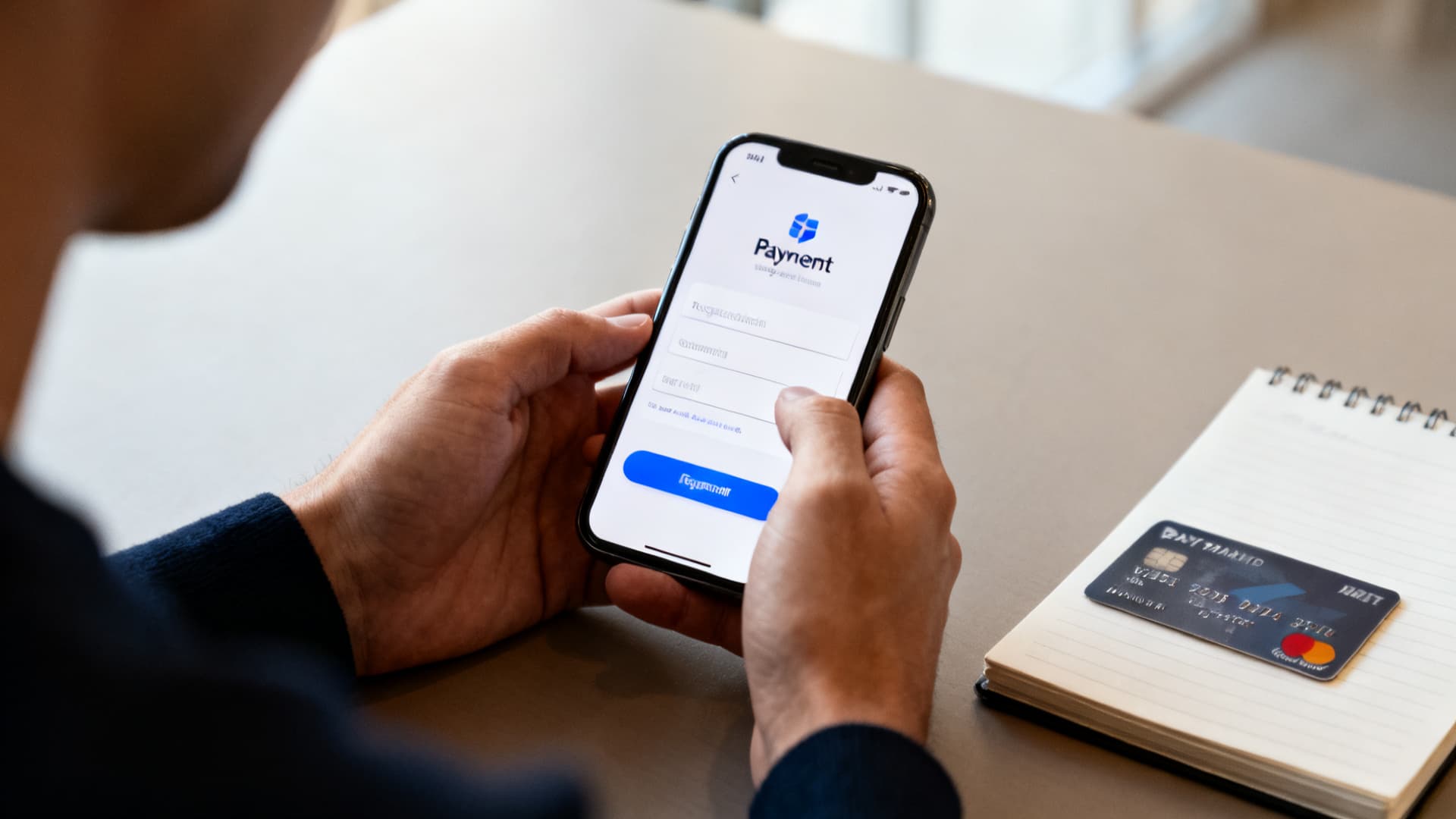
Setup, step by step
Install the app
Download it before you fly and switch the interface to English in the settings. From inside China the first install takes longer.
Register
Registration by phone number. A foreign number is accepted — a Chinese one is not required at this step.
Complete passport verification
You upload the passport page and pass a face check. China officially supports linking a number of foreign bank cards to mobile payments, but it is verification that lifts the low limits and unlocks most of what you need.
The name is entered exactly as in the passport, in Latin letters. It is the same requirement as at the bank and on the railways.
Add a card
Cards from the major international schemes are accepted. The account holder’s name in the app must match the name on the card letter for letter, or the link will fail.
It is worth linking two cards from different banks: if one is declined, the other usually works.
Test a payment
A test payment for a small amount — at home or at the first café you come to. Better to find out a card is declined at the hotel desk than at a supermarket till.
How to pay by QR
There are two scenarios and they are the ones most often confused. The first: you show YOUR code to the cashier and they scan it — that is how you pay in a supermarket or a chain café. The code opens from the pay button on the home screen.
The second: you scan the SELLER’s code stuck up by the till and type the amount yourself. That is how you pay in small shops, at markets and for street food. The seller says the amount, you enter it and show them the confirmation screen.
Your payment code refreshes every minute and works once. There is no need to show it to strangers, but a leaked screenshot is not a disaster either — it expires quickly.
What else is inside
The transport code is a QR for metro and bus gates. Find the travel section and pick your city: the code is city-specific and has to be switched elsewhere.
Hailing a taxi. The Didi section is built into the app: no separate account and no separate card needed.
Mini-programmes: food delivery, museum tickets, maps, paying bills. Separate apps for these are mostly unnecessary.
Translation: the app can translate the screen and text — a separate tool inside it.
If the card is declined
Check the name and the card details
A mismatch in the spelling of your name is reason number one. Check it letter by letter against what is printed on the card.
Call your bank
Anti-fraud often triggers on a transaction from China. One call and a confirmation usually clears it; telling the bank about the trip in advance is better still.
Try a smaller amount
An unverified account and some cards have a per-transaction limit. Splitting the payment tells you whether the limit or the card is the problem.
Try the second card
Cards from different banks and different schemes behave differently. This is the quickest check of all.
Pay cash and sort it out afterwards
At a till with a queue behind you this is the only sensible move. Keep a small cash reserve for exactly this.
Careful
The service charges a fee on payments above a small threshold. For large purchases compare it with your own bank’s fee — sometimes paying by card directly works out cheaper.
Tip
If you cannot work it out on the spot, this site has a quick tool, “Help with Alipay and WeChat”: it walks through the usual failures step by step, and the “It didn’t work” button hands the problem to a concierge.
Checked: 4 September 2026
Editor: The PANDA editorial team
What you can hand to PANDA


Sources
- Alipay for foreign users
- PRC government portal for foreignersofficial source
- People’s Bank of Chinaofficial source
Didn’t find the guide you needed?
Describe it in your own words — a concierge will reply and take you through it step by step.